- Does Wayfile read my email?
- No. Only what you forward to your private address. There is no inbox connection to grant or revoke.
- What formats work?
- Anything a person could read: airline PDFs, hotel confirmation emails, screenshots of a booking app, a photo of a printed rail ticket. Multi-leg itineraries parse into multiple segments.
- What if the parser gets something wrong?
- Low-confidence fields are flagged before they are treated as fact. Every field is editable in place, and the original document stays attached so you can check.
- Can my assistant manage my trips?
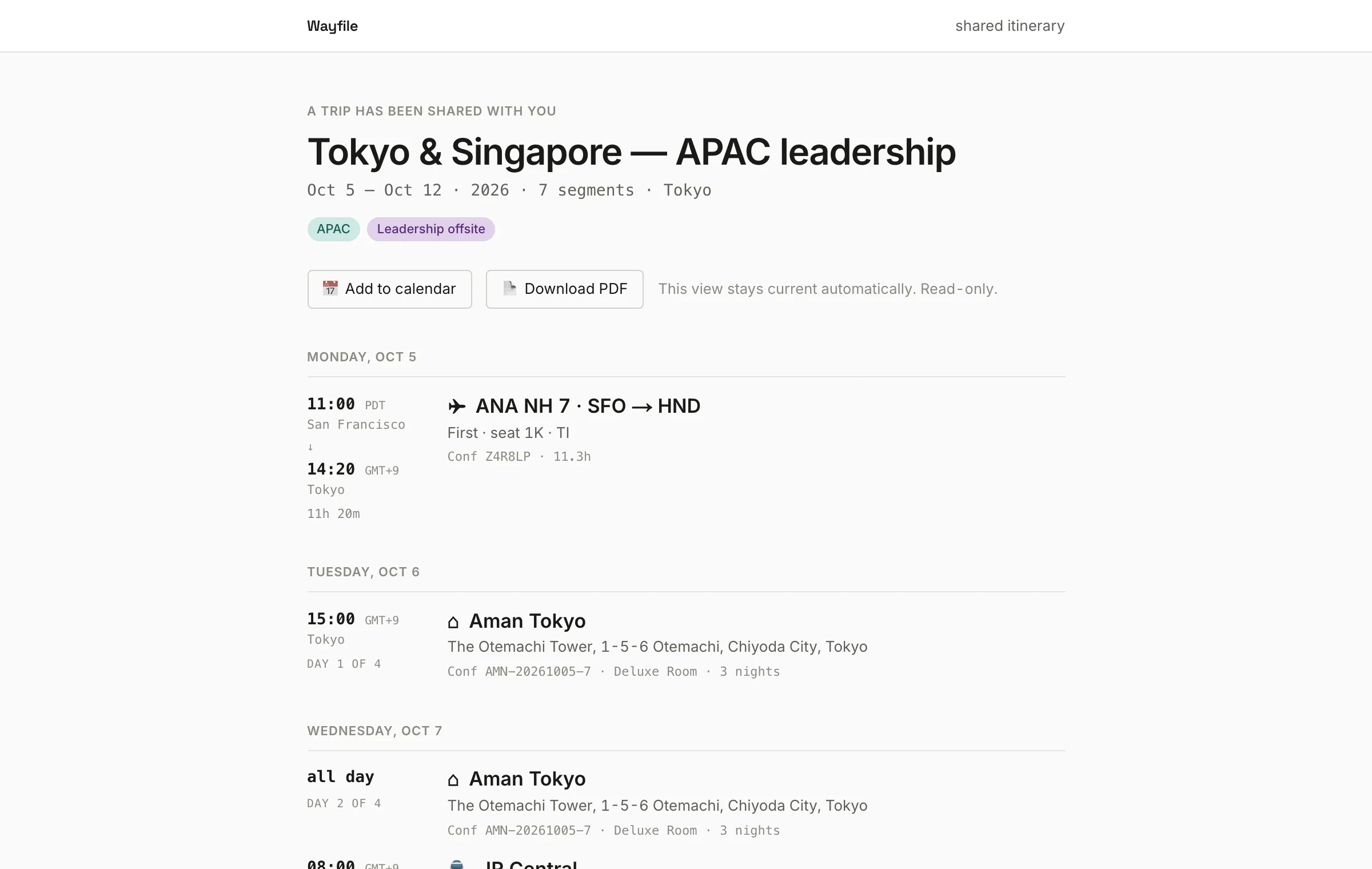
- Yes. Grant them Full Edit on your trips — or set an auto-share rule so every new trip goes to them automatically. They work from their own account; no shared login.
- My spouse joins for part of the trip. Can they see just their part?
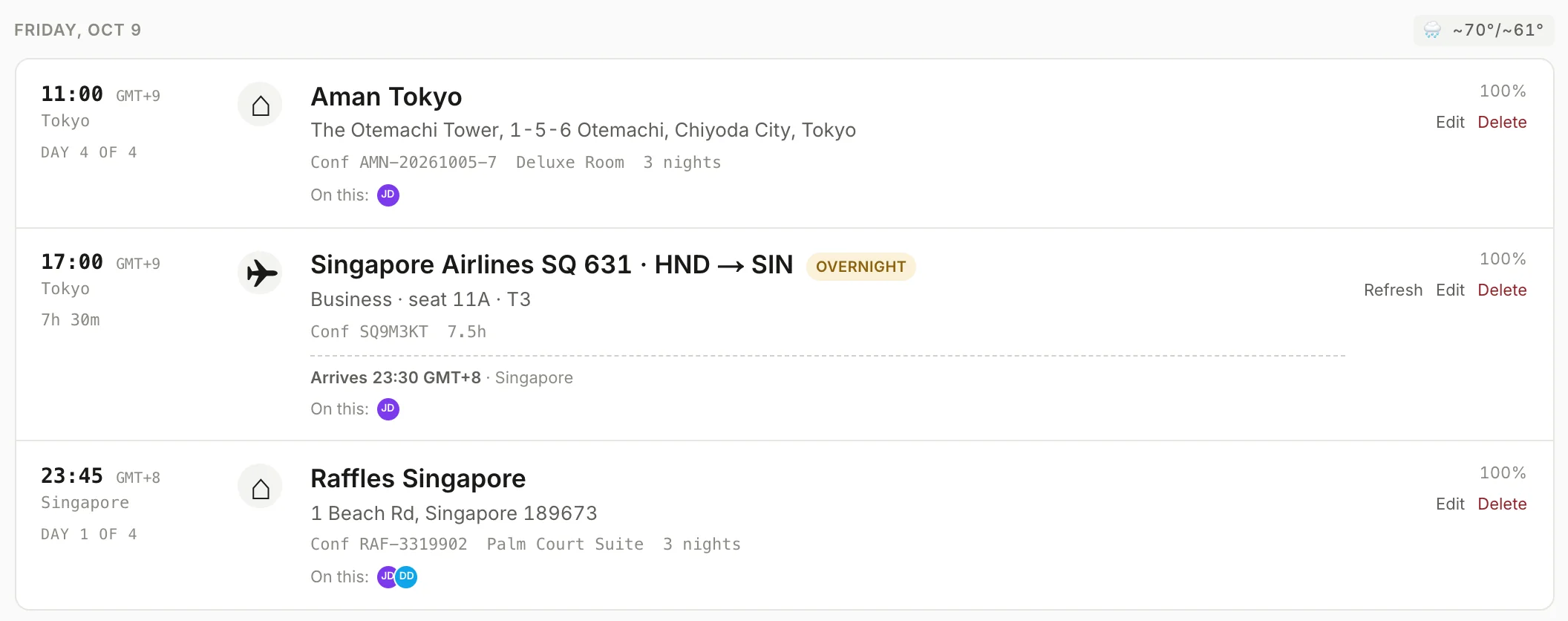
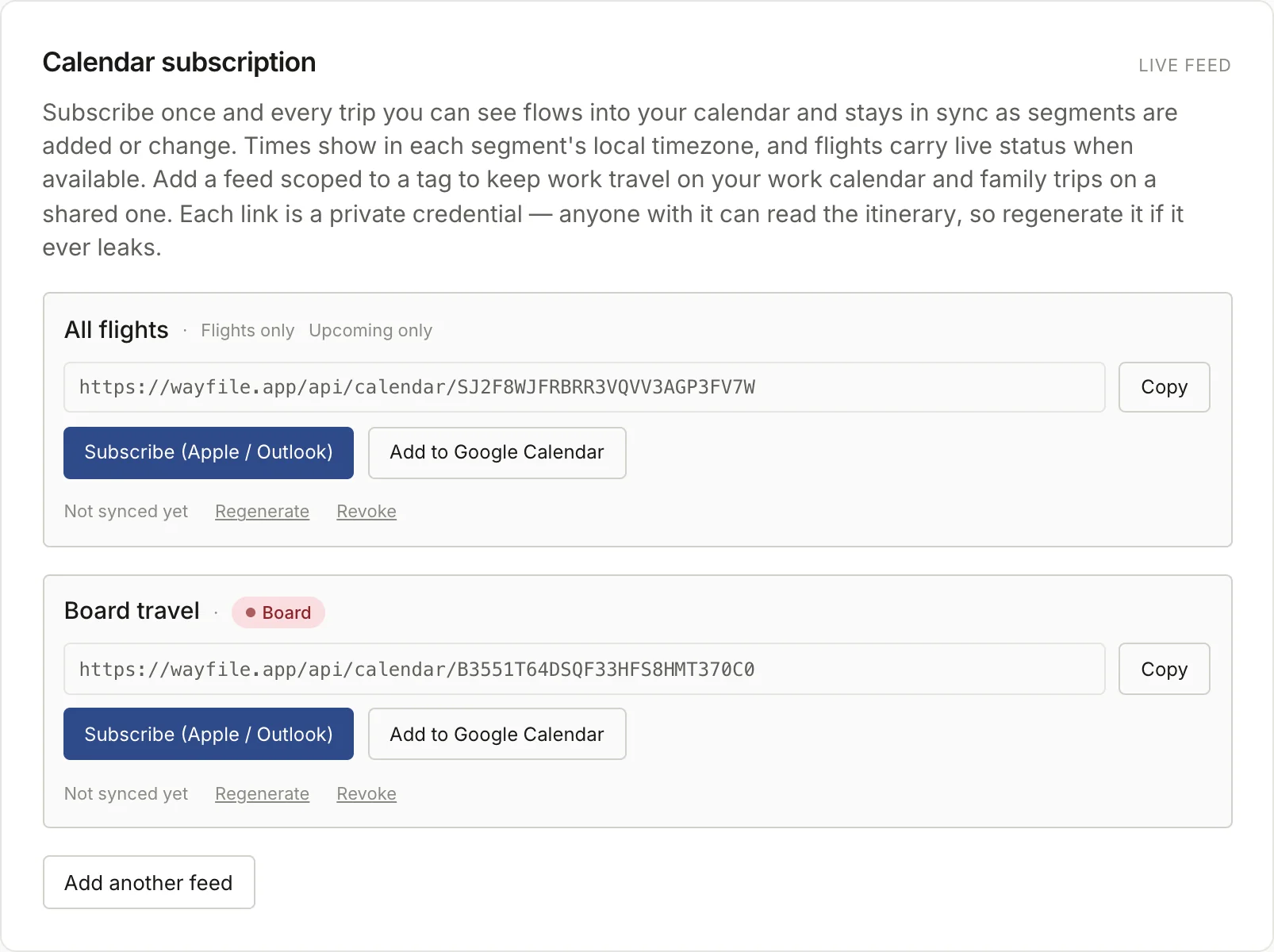
- Attach them to the segments they are on and export a calendar scoped to them. A per-passenger share link that shows only their segments is on the roadmap.
- Is there a mobile app?
- The web app is optimized for phones and works today. A native iOS app is in development.
- Does it work offline?
- A share link keeps working offline once it has been opened — which is the case that matters on a plane. The signed-in app needs a connection.
- Which AI model reads my documents?
- Gemini 2.5 Flash by default. Pro accounts can switch to Anthropic or OpenAI from account settings. Documents are sent for extraction only, under API terms that prohibit training on them.
- Can I export everything and leave?